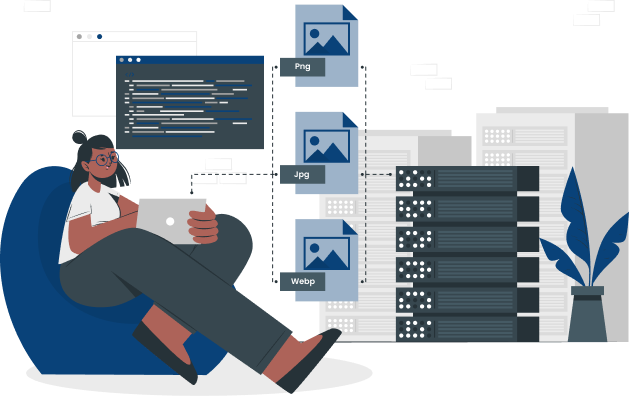

Securely ingest single photos, videos, documents, audio files, or entire batches of assets directly into the system

Apply relevant keywords and descriptive labels to your assets, making them instantly searchable and organized based on their content and context.

Efficiently refine search results by selecting specific metadata criteria (such as Asset Type, Status, or Location) to quickly locate the exact files needed.

Design and implement a flexible, structured classification system using custom metadata fields to organize assets according to your unique business logic.

Utilize powerful boolean operators and combined metadata facets to execute highly specific queries and retrieve complex asset groups across your entire library.

Organize assets into logical hierarchical structures that provide traditional navigation while benefiting from the advanced metadata capabilities of the DAM.

Toggle between visual thumbnails (grid) and detailed data tables (list) to optimize browsing and review based on the type of asset you are searching.

Apply edits, share, download, or update metadata for hundreds of assets simultaneously, dramatically increasing administrative efficiency.

Curate custom groupings of assets for specific projects, campaigns, or departments, allowing for easy access and collaboration without altering the core asset structure.

Securely distribute files and project collections to internal teams or external partners via email links with optional password protection and expiration dates.

Easily manage user contact details, role, and status in the User Dashboard.

Automatically identify and flag identical copies of files during the upload process, keeping your library clean and preventing storage clutter.

Track key metrics, such as asset popularity, download frequency, and user engagement, to gain insight into content performance and inform future content strategy.

Select and stage multiple assets across different locations for a final batch download, simplifying the process of fulfilling large content requests.

Provides a recovery area for recently deleted assets, allowing administrators to restore files and prevent accidental permanent loss.

Automatically read industry-standard metadata such as the date the photo was taken, exposure settings, and the make and model of the camera used.

Maintain a centralized record of all publicly shared assets and collections, enabling quick auditing and management of external access permissions.

Access a comprehensive, searchable resource center filled with tutorials, documentation, and best practices to maximize the value of your DAM investment.